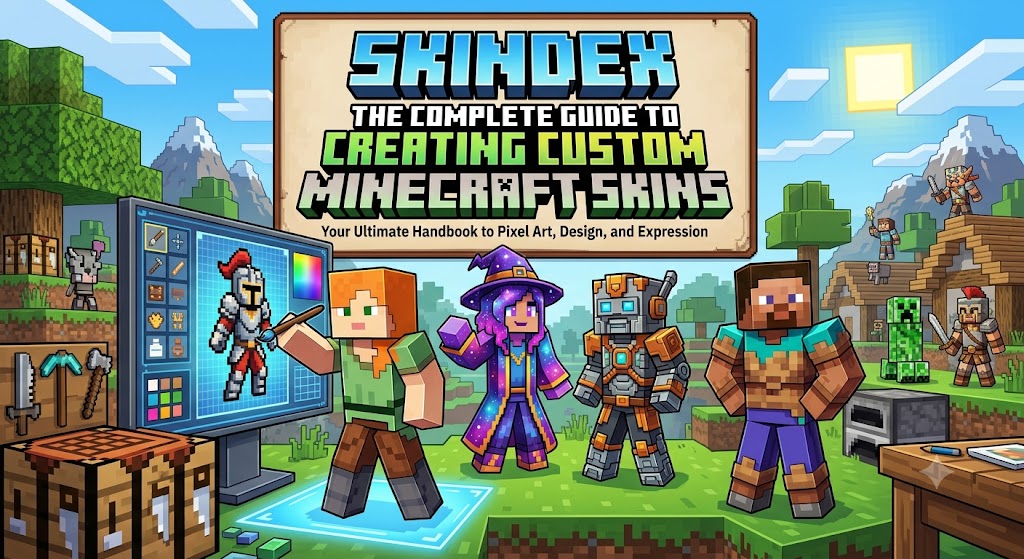
Minecraft has remained one of the world’s most popular games because it encourages creativity. Players build worlds, design structures, and customize nearly every aspect of gameplay. One of the easiest ways to stand out is through a unique character appearance, and Skindex has become one of the most recognized platforms for creating custom Minecraft skins.
Rather than using the default Steve or Alex characters, players can design a completely original look using Skindex’s browser-based editor. Whether someone wants to recreate their favorite superhero, build a fantasy warrior, or simply create a personal avatar, the platform offers the necessary tools without requiring advanced graphic design skills.
Because Minecraft supports custom skins across many versions of the game, millions of players use websites like Skindex to personalize their experience. Understanding how the platform works helps users create better designs while avoiding common mistakes.
What Is Skindex?
Skindex is an online platform dedicated to Minecraft character skins. It allows users to:
- Browse thousands of community-created skins
- Edit existing designs
- Create completely new skins
- Upload personal creations
- Download skins for Minecraft
Everything works directly in a web browser, making the platform accessible without installing additional software.
Why Players Use Skindex
The biggest attraction is personalization.
Minecraft encourages creativity, and character customization extends that creativity beyond building structures. Players often create skins that represent:
- Fantasy characters
- Superheroes
- Anime characters
- Historical figures
- Animals
- Original creations
- Personal avatars
Instead of looking identical to every other player, custom skins provide individuality.
Main Features
Easy Skin Editor
The editor includes drawing tools that let users paint directly onto the Minecraft character model.
Features include:
- Pencil tool
- Color picker
- Eraser
- Mirror mode
- Zoom controls
- Layer editing
These tools make skin creation approachable even for beginners.
Huge Community Library
One of the platform’s strengths is its enormous collection of user-generated skins.
Players can search by:
- Theme
- Character
- Popularity
- Date added
- Trending designs
This makes finding inspiration extremely easy.
Free Downloads
Most skins can be downloaded at no cost.
Players simply save the PNG file and upload it through their Minecraft account settings.
How to Create a Minecraft Skin
Creating a skin is straightforward.
- Open the editor.
- Choose a blank template or existing skin.
- Select colors.
- Paint different body sections.
- Preview the character from multiple angles.
- Save the design.
- Download the finished skin.
Many beginners improve quickly after experimenting with different clothing styles and shading techniques.
Tips for Better Skin Design
A professional-looking Minecraft skin usually includes thoughtful details.
Some useful tips include:
- Use multiple shades instead of one flat color.
- Add subtle shadows for depth.
- Keep clothing symmetrical when appropriate.
- Test the skin in-game before sharing.
- Avoid overly bright colors that blend together.
Small improvements often make a significant difference.
Comparison Table
| Feature | Skindex | Default Minecraft Skins |
| Custom Design | Yes | No |
| Community Library | Yes | No |
| Free Downloads | Yes | Limited |
| Online Editor | Yes | No |
| Personal Uploads | Yes | No |
Advantages
Skindex offers several benefits.
- Beginner-friendly interface
- Large design community
- Completely browser-based
- Free access
- Thousands of downloadable skins
- Easy sharing
- Frequent community uploads
These features explain why the platform remains popular after many years.
Potential Limitations
Despite its popularity, there are a few drawbacks.
Some skins may be:
- Low quality
- Poorly shaded
- Duplicates of existing characters
- Incompatible with specific Minecraft editions
Users should preview skins before using them.
Best Practices
When creating your own skin:
- Design something original.
- Respect copyrighted characters.
- Keep color choices balanced.
- Test visibility in different environments.
- Save backup copies of your work.
These habits make future edits much easier.
The Future of Minecraft Skin Creation
Minecraft customization continues to evolve.
As browser technology improves, skin editors are likely to become even more advanced. Better 3D previews, AI-assisted coloring suggestions, and collaborative editing tools may become standard features. Meanwhile, Minecraft’s continued popularity means demand for personalized skins will likely remain strong.
Community-created content will continue playing an important role in keeping the game fresh for both new and experienced players.
Key Takeaways
- Skindex simplifies Minecraft skin creation.
- Thousands of community skins are available for free.
- Beginners can learn the editor quickly.
- Original designs help players express creativity.
- Testing skins before gameplay improves results.
Conclusion
Skindex has become one of the most trusted resources for Minecraft players who want more than the default character appearance. Its simple browser-based editor, extensive community library, and free downloads make it suitable for both beginners and experienced creators. Whether you’re designing your first custom outfit or building an entire collection of unique characters, the platform offers practical tools without unnecessary complexity. By learning basic design principles such as shading, symmetry, and color balance, players can create skins that stand out in multiplayer worlds while adding another layer of creativity to the Minecraft experience.